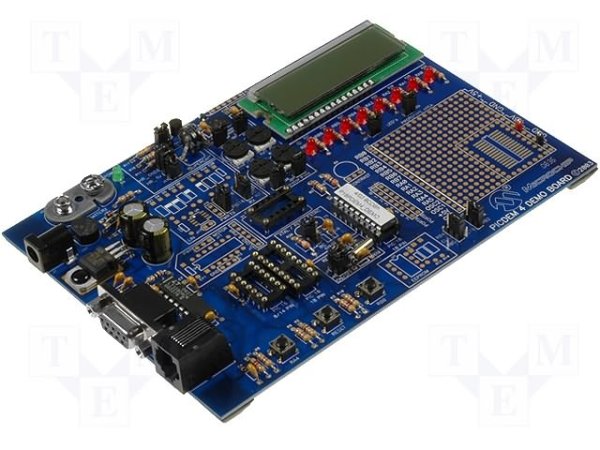
Advanced View Pic Microcontroller Projects List
List of Projects using Pic Microcontroller with advance view:
-
PIC12F675 internal EEPROM code and Proteus simulationThis post provides the internal EEPROM reading and writing code for PIC12F675 microcontroller. As we know, PIC12F675 microcontroller has 128 bytes of built in EEPROM data space with an address range of 0x00 to 0x7F. This code is written in C language using MPLAB with HI-TECH…... Listed under: Communication & Interfacing, Proteus Simulation
-
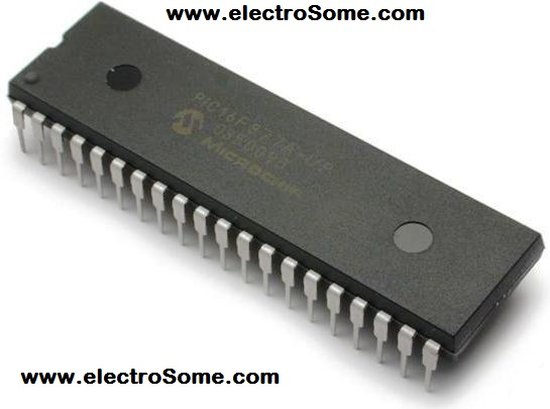
Life Size Operation Game using PIC16F877 microcontrollerLife Size Operation Game As a child I loved the Milton Bradley Operation game, the buzzer always scared me when it went off, but it was fun. The object of the Operation game is to remove a body part with out touching the tweezers to…... Listed under: Games, Toys & Calculators

-
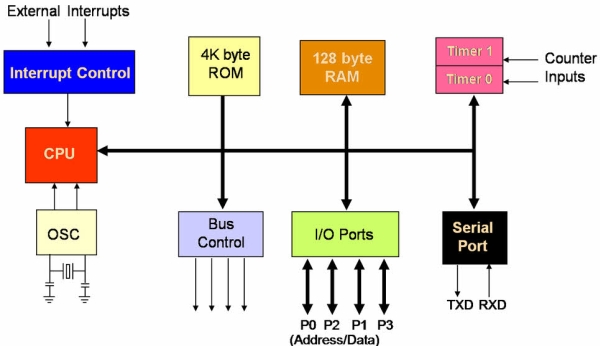
Major Electronic Peripherals Interfacing to Microcontroller 8051Interfacing is one of the important concepts in microcontroller 8051 because the microcontroller is a CPU that can perform some operation on a data and gives the output. However to perform the operation we need an input device to enter the data and in turn…... Listed under: Communication & Interfacing
-
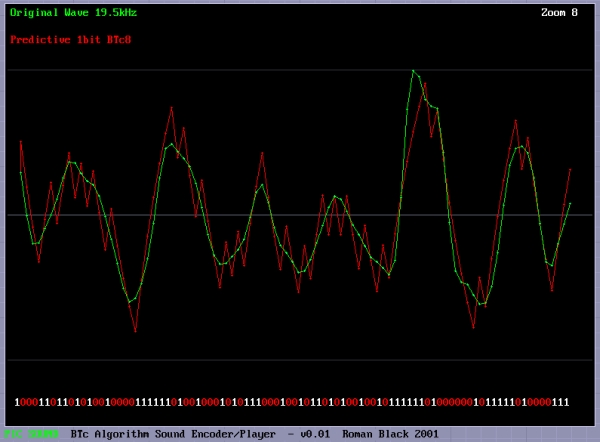
Record+play fast 1bit sound on a PIC!BTc "Binary Time constant" algorithm. A system to record and/or play sound in a bitstream format using just one digital output pin. This is a sound playback system for a PIC or any other microcontroller. It uses a clever encoding system to mathematically model the…... Listed under: Audio, Sound & Radio
-
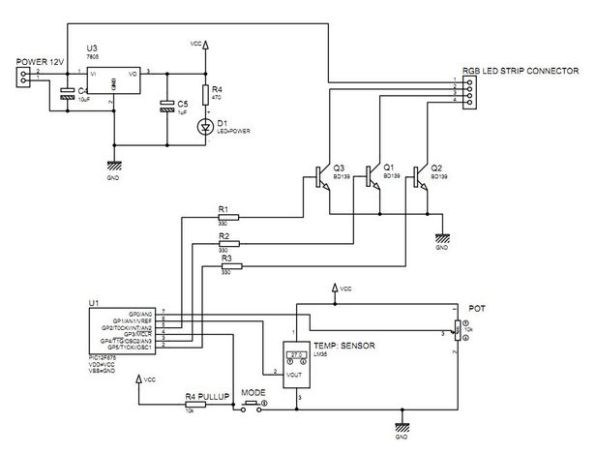
Multifunction RGB LED controller using PIC12F675multifunction RGB LED controller using low cost PIC12F675 microcontroller. features: 1, 4+1 mode operation a single potentiometer and single button switch used for multiple operation 2, EEPROM Memory option for mode selection :- the last mode will be saved . 3, mode1 automatic hue saturation…... Listed under: LED Projects
-
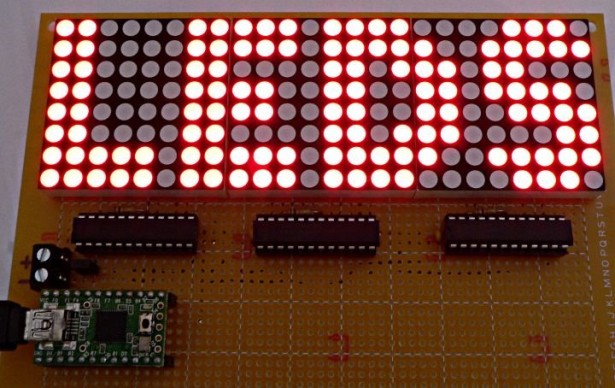
One-chip 11×10 LED matrix. using pic microcontrollerThis project is pretty cool for a few reasons, and driving a huge LED matrix with a single 8-bit controller is just one of them. The idea was born when I bought 120 LEDs of the wrong type, and decided to do something with them.…... Listed under: LED Projects
-
How to Simulate PIC Microcontroller in Proteus Design Suite 8This is our PIC Microcontroller tutorial series. We have already discussed basic beginners guide to PIC. Now let’s see how to simulate the PIC microcontroller?PIC simulation is the important step that you should do before practical implementation of any microcontroller projects. As Circuits Gallery covers…... Listed under: Communication & Interfacing, Proteus Simulation
-
Making “The LCD Expansion Board” for PIC18F4520 using pic microcontollerIn this tutorial I you show you how to make a very useful expansion board for our PIC development board. It will be a Do It Your self (DIY) LCD Expansion board. The expansion board can be plugged into the PIC development board to add…... Listed under: LCD & Display Projects
-
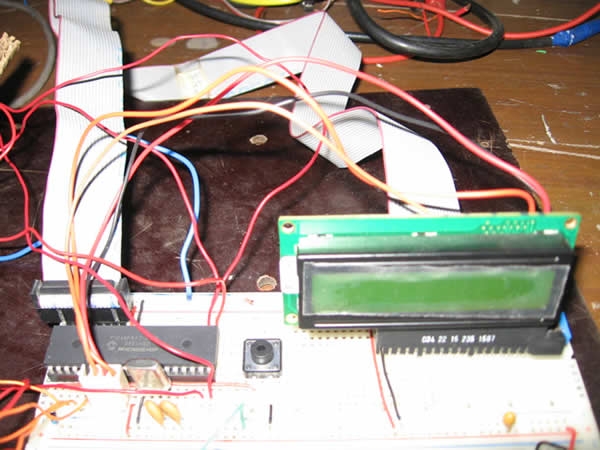
Lecture 43 : Interfacing PIC16F877 Microcontroller with an LCDAim To interface LCD (Displaytech 162A) with PIC16F877microcontroller and to display "IITK" in the Liquid Crystal Display (LCD). Components/Softwares MPLAB IDE (PIC microcontrollers simulator) PIC BURNER 3 with software to load the code LCD (Displaytech 162A) Computer System with Windows operating system and RS 232…... Listed under: LCD & Display Projects
-
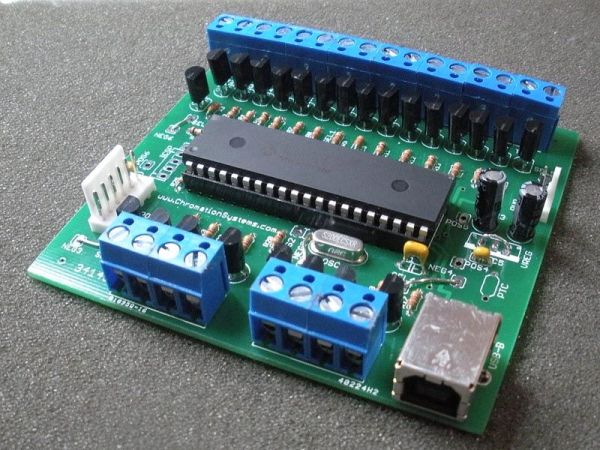
24 Channel USB Connected LED Controller, upto 1A per Channel using PIC18F455024 Channel USB Connected LED Controller, upto 1A per Channel This device is designed to be a versatile high-current LED controller, with the ability to sink or/and source currents up to 1A per channel with dissipation of up to 2.5w per channel. The various jumpers…... Listed under: Communication & Interfacing
-
The VGA Test Box using pic18f452 MicrocontrollerThe goal of this project is to create a device that is capable of outputing VGA signals to a CRT monitor inorder to display figures, text and characters. Timing is a core essential in this project. If the signal is off by even 1 microsecond,…... Listed under: Home Automation & Security

-
Programming a Picaxe 08m chipAfter I got my Arduino I felt the urge to brush up on my general electronics knowledge. The last time I’d really played with any circuits was back in about 1994 when I was studying my Technology GCSE – which now is quite a long…... Listed under: Other Microcontrollers

-
Simple USB to RS232 adapter on pic18f2455 Overview This adapter allows you to interface with your car's OBD-II bus. It provides you a USB interface using the ELM327 command set and supports all major OBD-II standards: SAE J1850 PWM SAE J1850 VPW ISO 9141-2 ISO 14230-4 ISO 15765-4 CAN Hardware You do…... Listed under: Communication & Interfacing
-
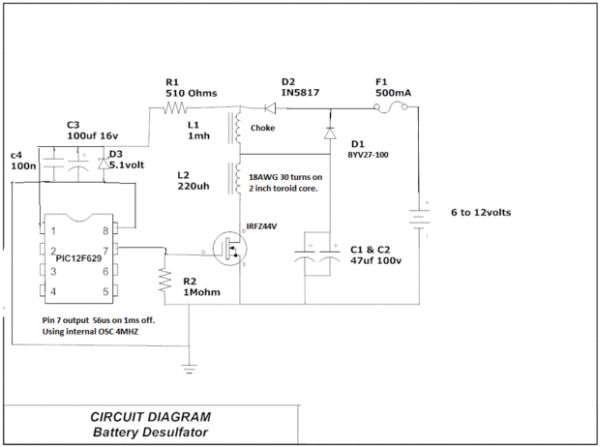
PIC12F629 Lead-Acid Battery DesulfatorHi everyone, After reading so many articles on Battery desulfator i've decided to come out with my version of Battery desulfator using Microchip base micro-controller using PIC12F629 or PIC 12F675. "Please pardon my english" .I don't really have time to check for minor grammatical errors.…... Listed under: Power & Battery
-
Laser show for poor man using PIC18F1220 microcontrollerLaser show for poor man Here's another useless but cool looking "must build" gadget for every romantic geek. Let me introduce PIC microcontroller based three axis laser spirograph. Step 1 Gathering stuff Design is quite simple and employs regular parts and components but you are…... Listed under: Sensors & Temperature

-
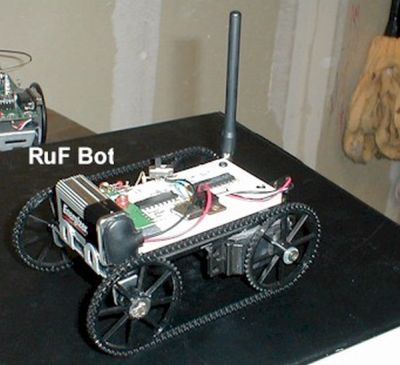
RF Modem Robotics Project using PIC16F84 microcontrollerRF is just way too cool not to use in your designs. But if you're a newbie like me it is difficult to successfully build solid RF transmitters and receivers. When I started out I didn't realize that the larger breadboard I was working off…... Listed under: Motors & Robotics
-
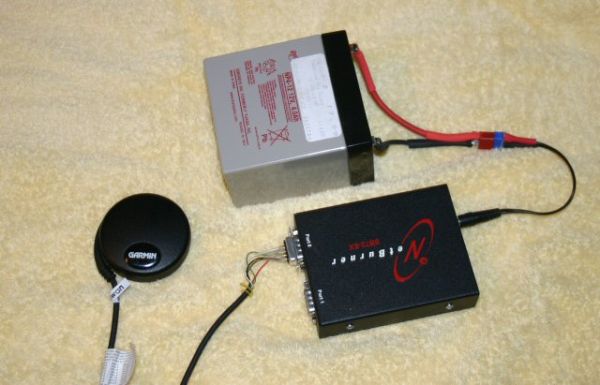
Serial Data Logger using PIC16F688The data logger consists of a simple op-amp amplifier circuit that amplifies the signal and sends it to be digitized by a PIC16F688 microcontroller, serialized, and sent to the computer's serial port via a MAX232 serial driver: I guess you are already wondering about some…... Listed under: Communication & Interfacing
-
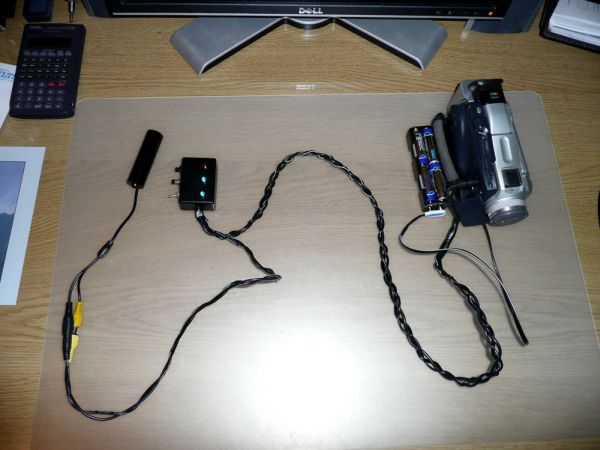
Cheap PIC controlled Helmet Camera using Sony LANC (Good for Extreme Sports) using PIC16F690Cheap PIC controlled Helmet Camera using Sony LANC (Good for Extreme Sports) This Instructable will show you how to make a cheap Helmet Camera which can be controlled via a remote so your main camera can stay safely in your ruck sack. The controller can…... Listed under: Communication & Interfacing
-
Building A Robot: Motor ControlSince we now have a beautiful robotic chassis, we're ready to continue our Building A Robot series, and get serious with some motor control. This second part of building a robot is perhaps the most crucial as it will define what type of control we…... Listed under: Motors & Robotics

-
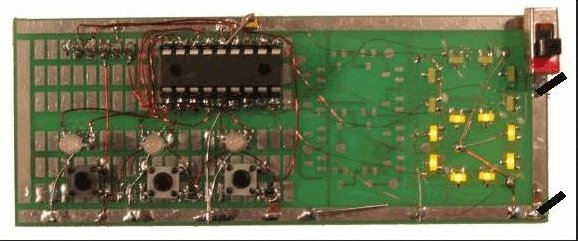
Stroop Game using PIC16F628 MicrocontrollerThis project has been adapted from an experiment by John Ridley Stroop, who published his work in 1935. Basically it is a "trick." It is a trick in that you are required to answer a question at a "second level of thinking." In our test…... Listed under: Games, Toys & Calculators
-
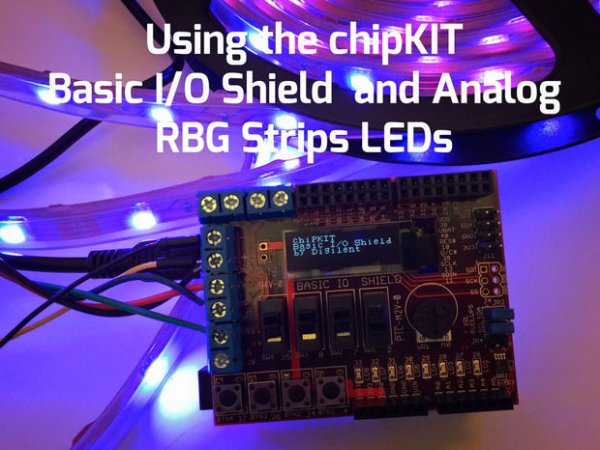
Using the ChipKIT Basic I/O Shield With Analog RGB Strip LEDsA few months ago I wrote a blog post about the chipKIT Basic I/O Shield and used Analog RBG Strips to demonstrate the the open drain FETs. This post is to give details on how to wire up the strip LEDs to the I/O Shield.…... Listed under: Development Boards & Kits
-
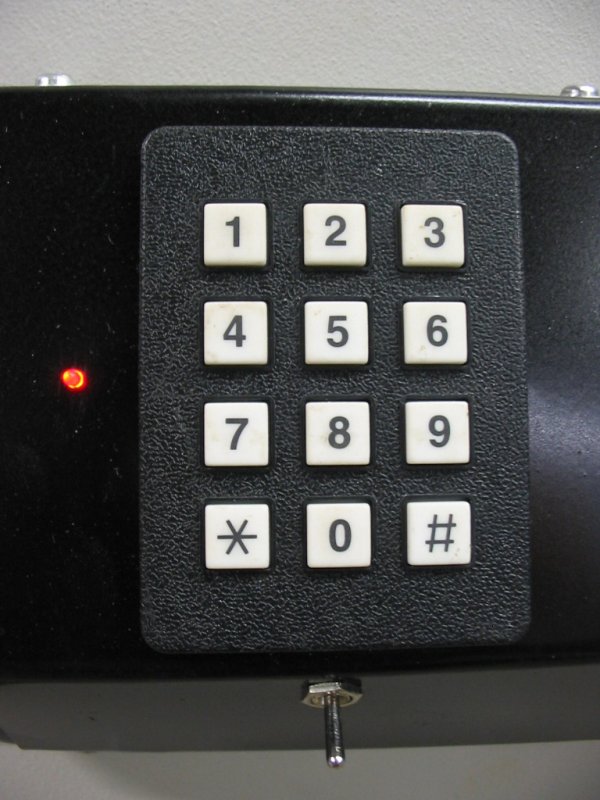
COMBINATION LOCK FOR SAFE using PIC16F628Introduction This program is a simple combination lock that I designed for an old Sentry® fire safe that was given to me without any lock electronics. I created a front panel with a keyboard and microprocessor with a six-digit combination sequence. Details The LED flashes…... Listed under: Home Automation & Security
-
Using LabVIEW LINX and ChipKIT WF32 to Control an LED StripThis Instructable will go over the steps involved in controlling the WS2812 LED strip using LabVIEW, LabVIEW MakerHub LINX, and chipKIT WF32. Note - This project can be done using the LabVIEW Physical Computing Kit which contains both LabVIEW Home Bundle and chipKIT WF32 here.…... Listed under: Development Boards & Kits

-
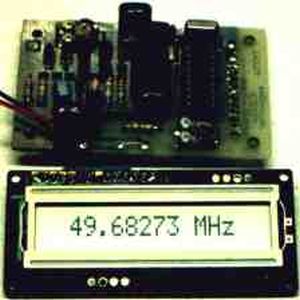
The Weeder Frequency Counter using PIC16F84This is a port by Peter Cousens to the PIC 16F84 of the 50Mhz Frequency counter kit {originally available} from Weeder Technologies . Since it uses a base PIC that is easily programmable, and provides a usefull bit of bench test equipment at very low…... Listed under: Clocks & Timers
-
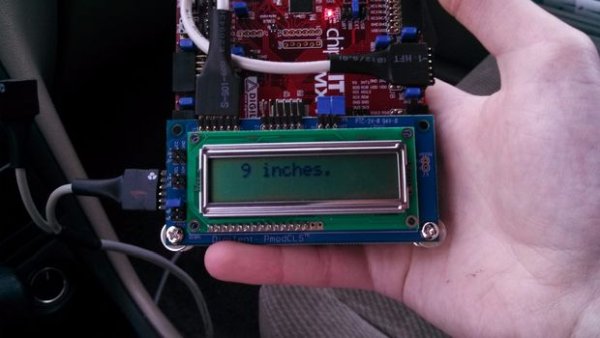
ChipKIT Parking Obstacle SensorI've always thought it would be nice to have a car with a parking sensor. I don't want to spend that kind of money until I pay off my student loans. However I do have the materials to make one myself thanks to a class…... Listed under: Development Boards & Kits
-
Uploading Firmware to Your ChipKIT BoardsThere may come a time in your chipKIT explorations when you have to put some new firmware onto your board. Well, fear not. This Instructable will go through how to load firmware onto your board. (We're gonna be using the WF32) In order for us…... Listed under: Development Boards & Kits
-
Closed-Caption Decoder using PIC16C84This is a closed-caption decoder with serial output based on a Microchip PIC16F628A. The internal comparators of the PIC16F628A are used to implement a peak detector and data slicer. The hardware was designed by Richard Ottosen, and the firmware was written by Eric Smith. This…... Listed under: Communication & Interfacing

-
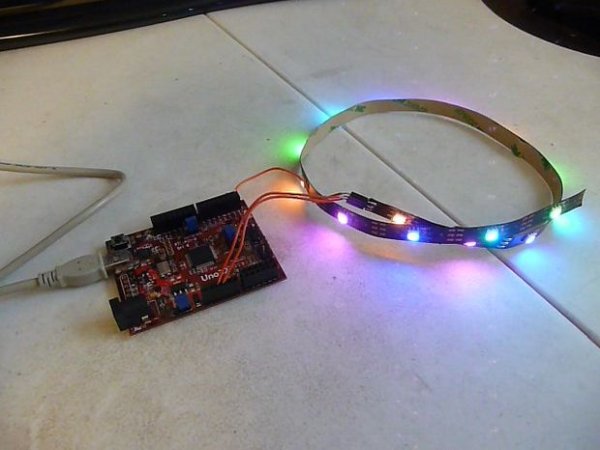
Addressable LEDs (WS2812) on ChipKITThere has not been a simple addressable LED library for PIC32 microcontrollers until now! The PICxel library is an MPIDE library that handles the timing required to use addressable LEDs (WS2812, WS2811) or more commonly known as Adafruit Neopixels. Going through through a couple steps…... Listed under: Development Boards & Kits
-
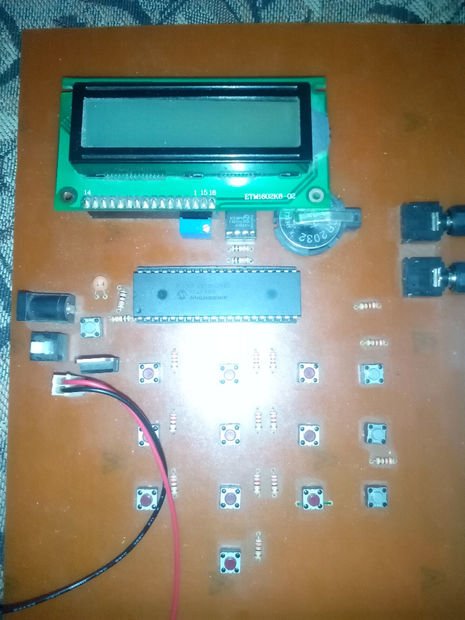
Electronic Security System With RTC and User Define Pin CodeHi Guys! This is a project that I made using pic microcontroller its an Electronic PIN Code Security System with real time clock and user define pin code features, this page contains all the details to make one yourself. ITS WORKING AND CONCEPT: Well by…... Listed under: Home Automation & Security
-
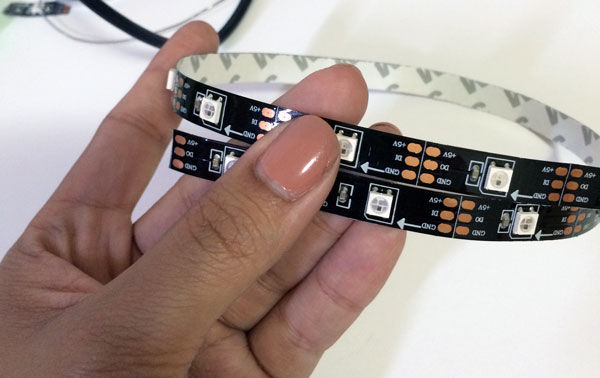
Using WS2812 LEDs With ChipKIT Max32With all LEDs you will need a power supply, some sort of way to send a signal (usually a microcontroller) and method of connecting the LED to your system... Admittedly, that sort of explanation is all things pretty vague (as a description), so instead it's…... Listed under: Development Boards & Kits
-
PIC PAL Video Library using pic18f4620If you are into PICs, you maybe tried one day or another to build a software video processor, either for fun or for a project. If you tried to generate video signals, you surely know some of this web pages : Rickard Gunees PIC PONG page…... Listed under: LCD & Display Projects

-
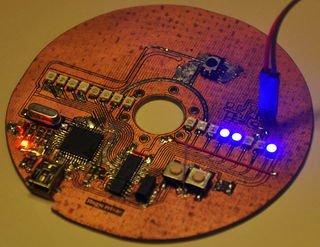
HDD Clock – Persistence of Vision1. Quite a few POV clocks out there, why is this special? Well, mainly because it's mine. There are quite a few POV clocks out there on the web using all sorts of display mechanisms, chassis, controllers. The one I decided to build isn't exactly…... Listed under: Clocks & Timers
-
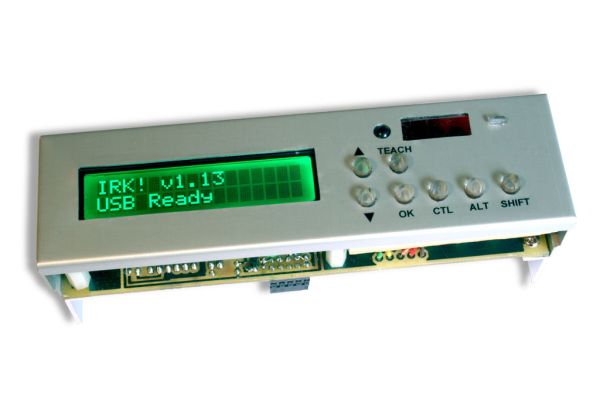
IRK! Infrared Remote Controlled USB Keyboard Without Keys using PIC18F2550IRK! Infrared Remote Controlled USB Keyboard Without Keys IRK! is a USB keyboard, without keys, that you can operate just by using your LEARNINGinfrared remote control.I created it to allow me to control my MythTV home theater PC with my LEARNING infrared remote control instead of…... Listed under: Communication & Interfacing
-
Setting Up LabVIEW to Interface With ChipKITThis instructable is meant to be a quick tutorial on installing LabVIEW, and hooking it up to a chipKIT. Documentation on how to do this already exists at LabVIEW Hacker.com. This instructable links to the information presented in the source, and puts it in instructable…... Listed under: Development Boards & Kits

-
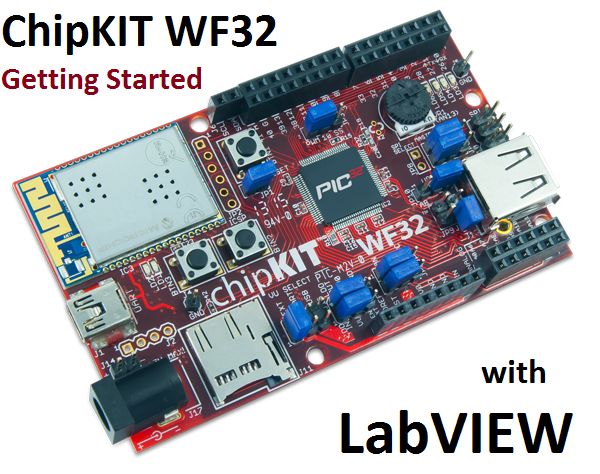
Getting Started With the ChipKIT WF32 (LabVIEW)This in-depth guide will go over the steps required to connect the chipKIT WF32 to LabVIEW using LabVIEW MakerHub LINX. LINX is used to interact with common embedded platforms like Arduino, chipKIT and myRIO. Digilent sells a bundle that includes the chipKIT WF32 and LabVIEW…... Listed under: Development Boards & Kits
-
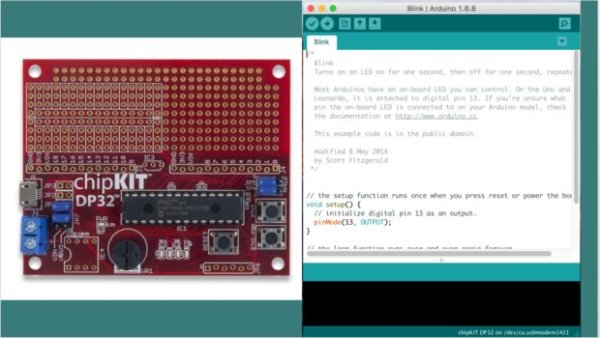
Programming Your Chipkit Dp32 Using the Arduino IDEchipKIT boards typically have far more memory and computing power than many Arduino boards, and as a result, they are so much better at manipulating data. On the other side, the Arduino IDE is easy to use and understand. So what if we could…... Listed under: Development Boards & Kits
-
How to Install ChipKIT CoreFor those of you with a chipKIT board, I have good news! If you like using the Arduino IDE instead of MPIDE, your dreams have become a reality with chipKIT-core (currently in beta). You can now program all of the chipKIT boards directly from within…... Listed under: Development Boards & Kits
-
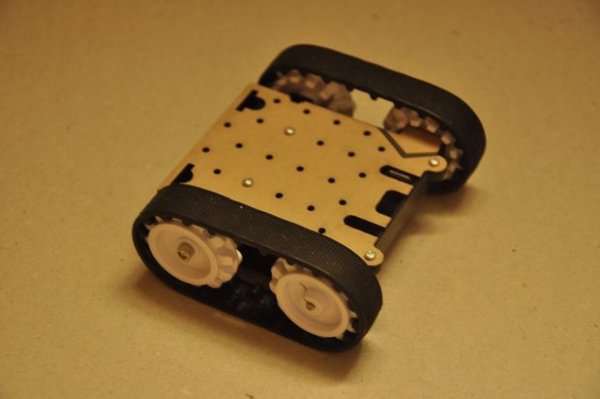
Ultrasonic Obstacle-avoiding RobotThis is my attempt at designing and building an obstacle avoiding robot! RekaBot (named after a fairy (: ) can detect obstacles with an ultrasonic sensor that can move around with help from a servo. Based on the measurements she takes, the tracks are driven…... Listed under: Motors & Robotics
-
Starting a Project in MPLAB X for ChipKIT ProductsThis tutorial comes right after my Installing MPLAB X tutorial, so if you haven't installed MPLAB X and the XC32 compiler, check that one out first. In Arduino, programming a board is as simple as selecting that board, and picking the port it's using. That's…... Listed under: Development Boards & Kits

-
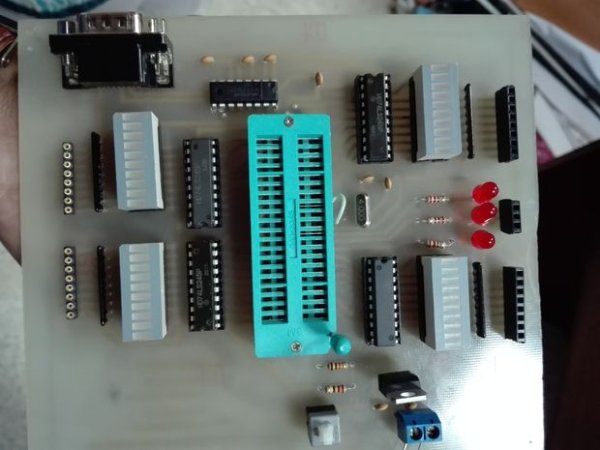
Making of PIC18F452 Micro-Controller Development/Generic BoardOur instructable shows how to create a generic board of PIC18 micro-controller which is further used in advanced embedded projects as there is a number of PIC micro-controller applications .e.g. microwave ovens, multimedia devices, medical and health based equipment e.g. blood-pressure meter, UPS, Power…... Listed under: Development Boards & Kits
-
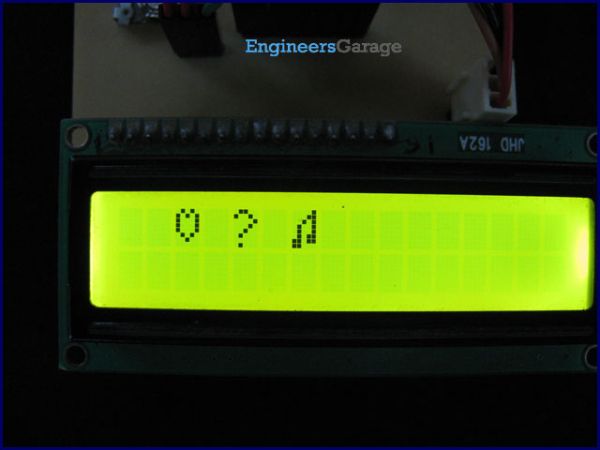
How to create custom characters on 16×2 LCD using PIC18F4550The 16x2 character LCD can also be used to display custom characters other than numerals, alphabets & special characters. Refer LCD interfacing with PIC. Some special shapes like hearts, arrows, smileys etc. can easily be displayed on the 5x8 pixel pattern of character LCD. These…... Listed under: LCD & Display Projects
-
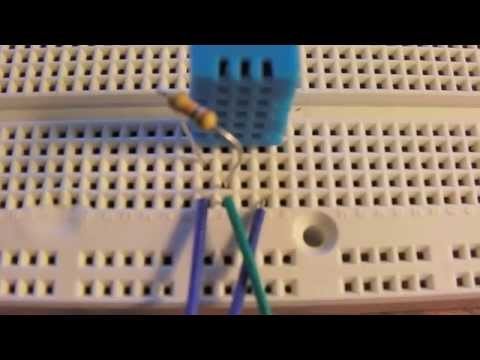
DHT22 (AM2302) Digital Humidity and Temperature Sensor Proteus SimulationLike the DHT11, the DHT22 is a digital humidity and temperature sensor which has more benefits than DHT11 like: High precision and range. If we want to understand this topic we have to read the DHT22 datasheet and see how this device works and its…... Listed under: Proteus Simulation, Sensors & Temperature
-
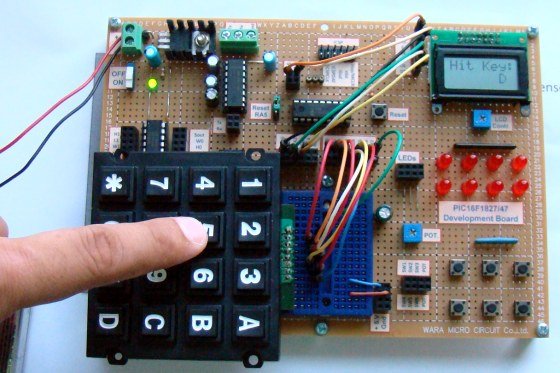
Interfacing LCD and Keypad with PIC16F877A MicrocontrollerInterfacing LCD and Keypad are one of the important interfacing concepts of PIC microcontroller since both the input and output element can form a complete embedded system design. This tutorial is about teaching you how to get input input values from keypad by polling method…... Listed under: LCD & Display Projects
-
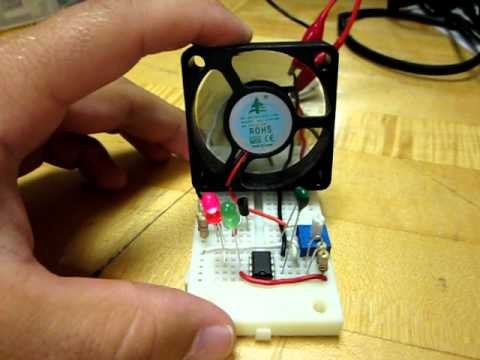
Temperature controlled fan using PIC 16F877AYou might have come across several applications where we need to control a specific device based on analog parameter. This Embedded system works in a similar concept where we are about to control the speed of a DC motor using based on the external temperature.…... Listed under: Sensors & Temperature
-
Transmitting and receiving data using UART protocol PIC MicrocontrollerUART or serial communication is one of the important protocol used by the Microcontrollers to transmit and receive data from the external devices. Almost every controller is equipped with this protocol to make transmission and reception easier just using two pins. This tutorial will teach…... Listed under: LCD & Display Projects

-
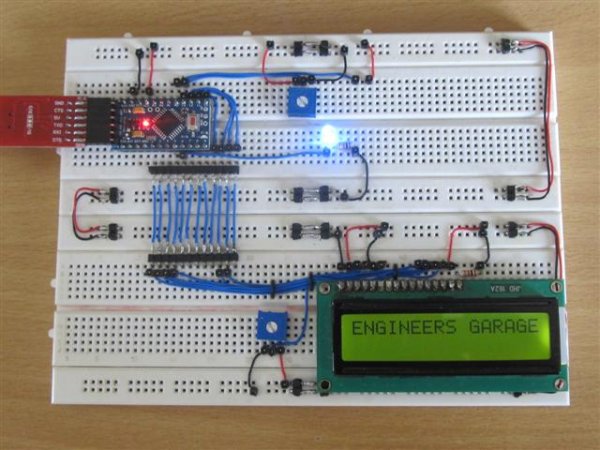
4 Bit LCD interfacing and programming with PIC MicrocontrollerLCD displays operate in two modes 4 bit and 8 bit mode. We all might have been familiar with 8 bit mode which is used widely in several systems. But 4 bit mode is something which many of us is not aware of. This mode…... Listed under: LCD & Display Projects
-
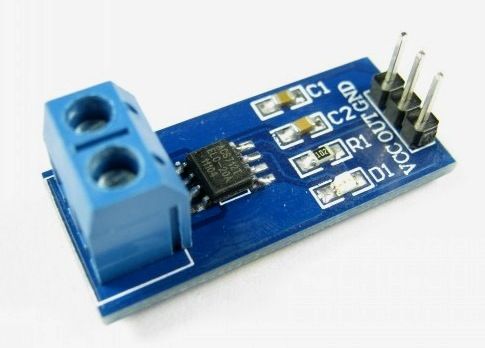
A brief overview of Allegro ACS712 current sensor using PIC16F1847 (Part 1)Sensing and controlling current flow is a fundamental requirement in a wide variety of applications including, over-current protection circuits, battery chargers, switching mode power supplies, digital watt meters, programmable current sources, etc. One of the simplest techniques of sensing current is to place a small…... Listed under: Sensors & Temperature
-
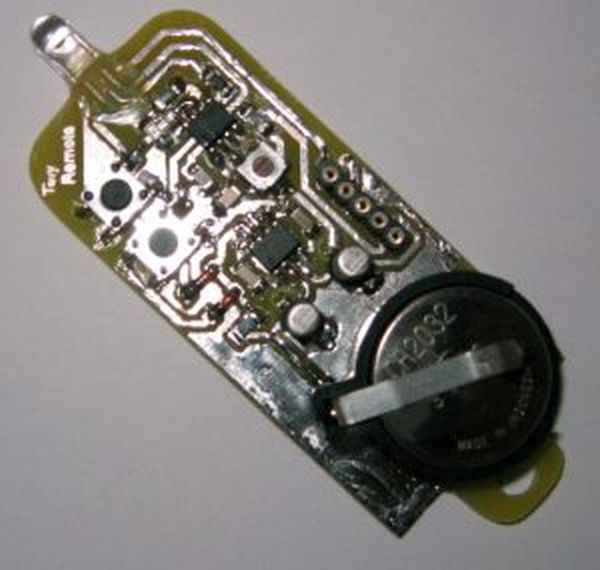
Tiny Remote for iRobot Roomba using PIC12F629Description The Tiny Remoteis a very compact infrared remote control with only two buttons to control an iRobot Roomba. It produces three different infrared control signals that the robot interprets as Clean, Spot and Virtual Wall/Lighthouse. The circuit is built mostly using SMD components to…... Listed under: Motors & Robotics
-
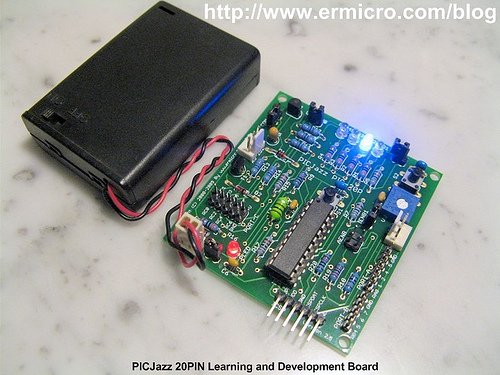
PICJazz 20PIN Learning and Development BoardThe PICJazz 20PIN board from ermicro is designed to be used both as the Microchip PIC microcontroller learning and development board. The PICJazz 20PIN board is stand alone microcontroller module equipped with the latest 8-bit class Microchip midrange and high performance such as PIC16F690 or…... Listed under: Development Boards & Kits
-
PIC16F84A software UART (bit banging) code and Proteus simulationThis post provides the software UART (Bit Banging) code for PIC16F84A microcontroller (e-g to connect PIC controller with PC using serial adapter). As we know, PIC16F84A microcontroller doesn't have built in UART module, so we can create UART functionality in it's software. This post provides the details of how…... Listed under: Communication & Interfacing, Proteus Simulation