


Summary of Microchip Mobile Product Selector
This article describes a mobile application available for Android and iOS devices that serves as a comprehensive resource for Microchip's products. It provides users with access to datasheets, product details, samples, purchasing options, thousands of application notes, and a full directory of sales and distribution contacts. The tool is designed to assist developers and buyers in navigating the entire Microchip ecosystem directly from their smartphones or tablets.Parts used in the Microchip Mobile Guide:
- Android Mobile Devices
- iOS (Apple Mobile Devices)
- Datasheets
- Product Details
- Samples
- Purchasing Options
- Application Notes
- Sales Contacts Directory
- Distribution Contacts Directory
Android (Mobile Devices Snapshots)
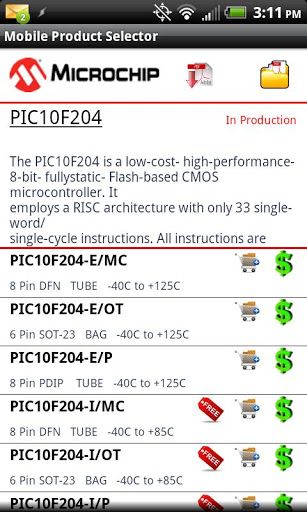
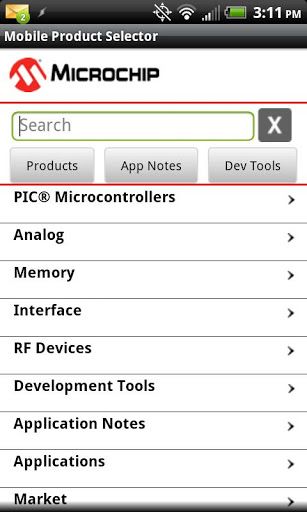
Descriptions:
A complete guide to all of Microchip’s products and development tools with access to datasheets, product details, samples and purchasing of products. This tool also provides access to thousands of Microchip’s application notes and a complete listing of all sales and distribution contacts.
Apple (Mobile Devices Snapshots)
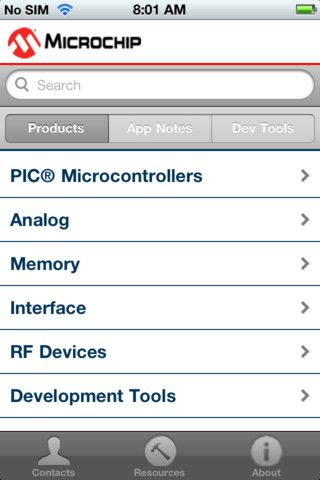
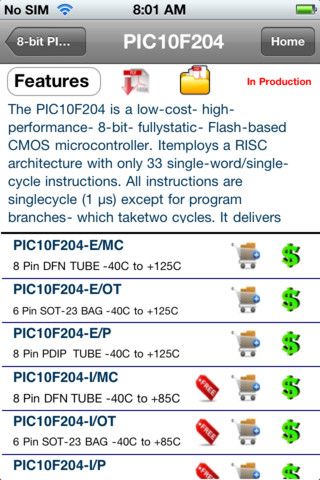
For more detail: Android (Mobile Devices)
For more detail: Apple (Mobile Devices)
Quick Solutions to Questions related to Microchip Mobile Guide:
- What platforms does this guide support?
The guide supports Android mobile devices and iOS Apple mobile devices. - Can I access datasheets through this tool?
Yes, the tool provides access to all of Microchip's datasheets. - How can I purchase products using this app?
The tool offers direct purchasing options for Microchip products. - Does the app include application notes?
Yes, it provides access to thousands of Microchip application notes. - Where can I find sales contact information?
A complete listing of all sales and distribution contacts is included in the tool. - Is there a way to get product samples?
Users can request samples through the provided purchasing section of the tool. - What kind of product details are available?
The app contains a complete listing of all Microchip product details. - How do I download the guide for iPhone?
You can access the guide via the Apple Mobile Devices link provided in the text.
Related projects
Download Legacy MPLAB IDE 8 from Microchip
The original MPLAB® IDE 8 series is still relevant when maintaining older PIC® and dsPIC® projects that were created before MPLAB X...
IDEs & CompilersHow to Download MPLAB X IDE Safely
MPLAB® X IDE is used for developing, building, debugging and programming embedded applications across several Microchip device families. For an active firmware...
IDEs & CompilersDownload MPLAB IDE v8.92 from Microchip
MPLAB® IDE v8.92 belongs to the final generation of the original MPLAB IDE 8 development environment. It still appears in older PIC®...
IDEs & CompilersSoftware UART (SoftUART) using TMS320F28027 Piccolo with Proteus Simulation
IntroductionCreating reliable serial communication without a hardware UART might sound tricky, but this SoftUART project proves how flexible embedded systems can be....
IDEs & CompilersMastering PIC 24F Series: A Comprehensive Guide with MPLAB and Proteus
Introduction The field of embedded systems plays a crucial role in modern society, with a myriad of applications across various sectors such...
IDEs & CompilersDigital Clock using PIC Microcontroller Interrupt – XC8
A Real Time clock (Digital Clock) can be made easily by using Timer 1 of a PIC Microcontroller. The Timer1 module exists...

Ibrar Ayyub
I am an experienced technical writer holding a Master's degree in computer science from BZU Multan, Pakistan University. With a background spanning various industries, particularly in home automation and engineering, I have honed my skills in crafting clear and concise content. Proficient in leveraging infographics and diagrams, I strive to simplify complex concepts for readers. My strength lies in thorough...