
Summary of PICDEM FS USB Mass Storage Device using PIC18F4550 with Proteus Simulation
This article details a Proteus simulation project emulating a USB Mass Storage Device using the PIC18F4550 microcontroller. It demonstrates USB communication logic, SPI-based storage interfacing, and real-time host interaction without physical hardware. Ideal for students and engineers, the system mimics a flash drive to teach embedded firmware development and USB protocols through safe, controlled testing.
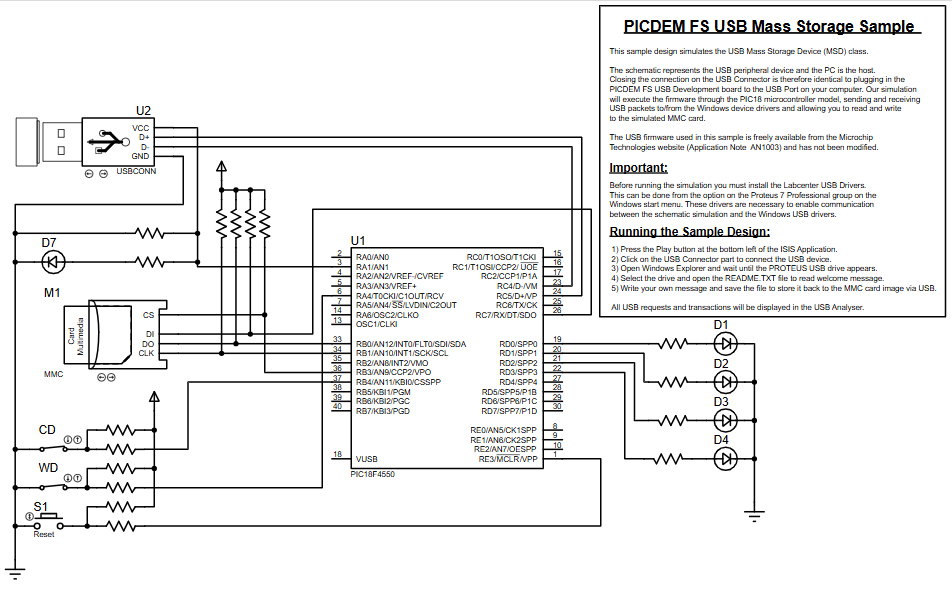
Parts used in thePICDEM FS USB Mass Storage Device:
- PIC18F4550 Microcontroller
- USB Connector (Virtual USB in Proteus)
- MMMC/SD Card Module
- Resistors (pull-ups and current limiting)
- LEDs (D1, D2, D3, D4)
- Push Buttons (Reset, control switches)
- Power supply and ground connections
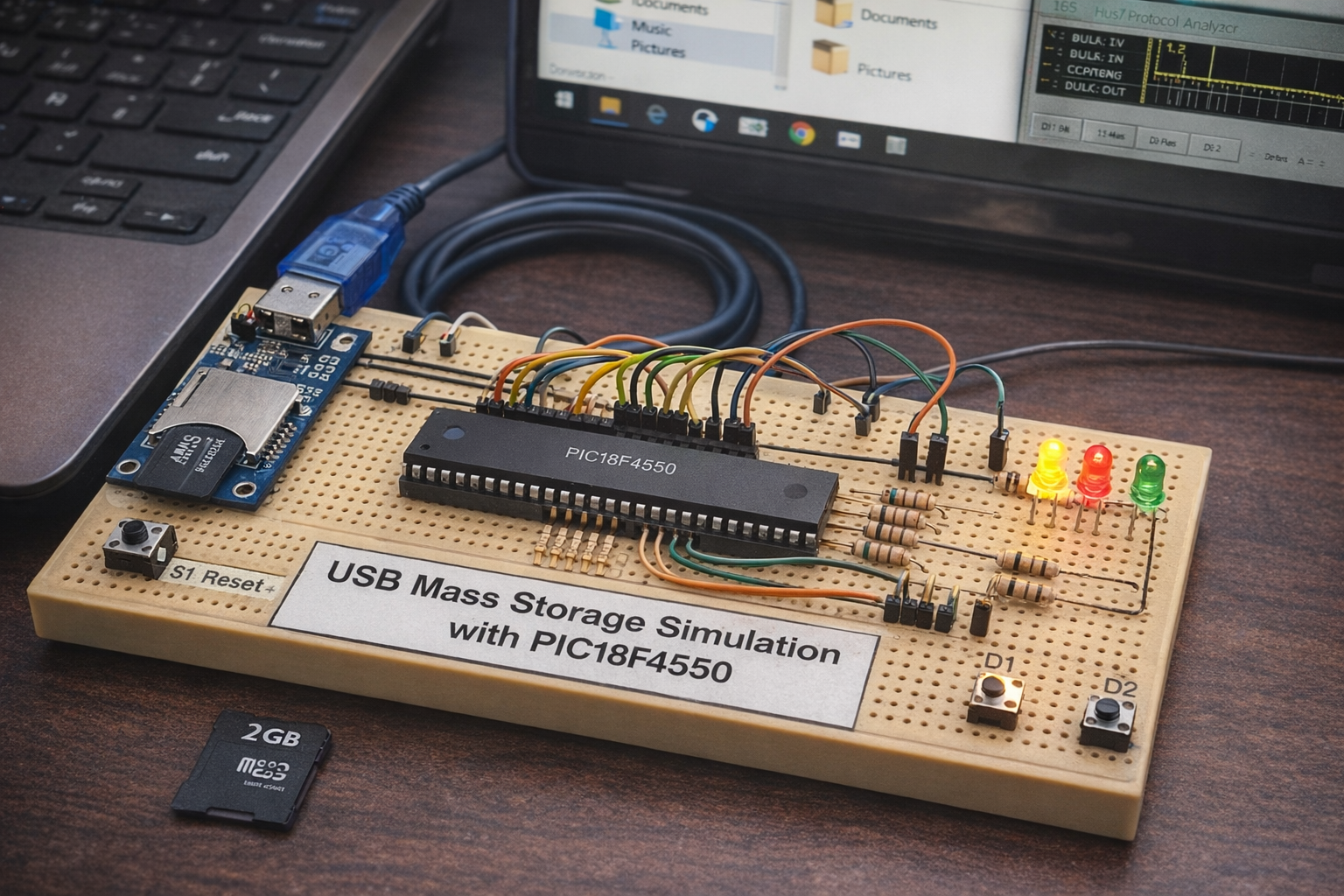
- How does the system emulate a USB flash drive?
The system uses the PIC18F4550 microcontroller with built-in USB functionality to initialize its USB module and communicate with the host PC via a USB connector. - What role does the MMC/SD card play in this project?
The MMC/SD card acts as an external storage medium connected via SPI communication to simulate data storage for the device. - Can this project be tested without physical hardware?
Yes, the project is fully simulated in Proteus VSM, allowing safe testing of USB communication logic without needing physical components. - How are status and activity indicated during operation?
LEDs (D1–D4) display activity such as data transfer or system status based on user inputs and USB transactions. - Does the firmware handle read and write requests?
Yes, the firmware processes commands from the host to handle USB read/write requests and transfers data between the host and storage. - What interface is used to connect the storage module?
The storage interface connects to the microcontroller via SPI communication using CS, DI, DO, and CLK lines. - What is the primary educational value of this project?
It bridges theory and practice by simulating real-world USB device behavior, making it valuable for learning embedded systems and USB protocol basics.
