
Summary of PICCLOCK using PIC16F84A with Proteus Simulation
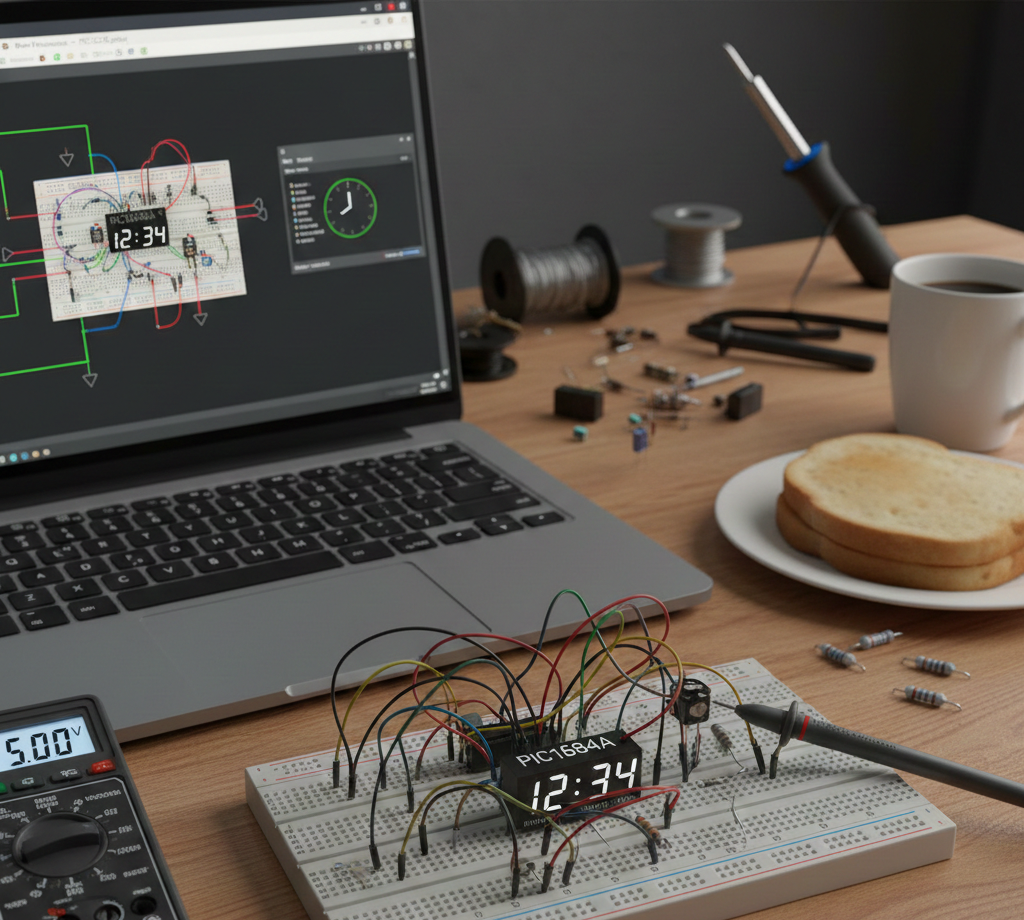
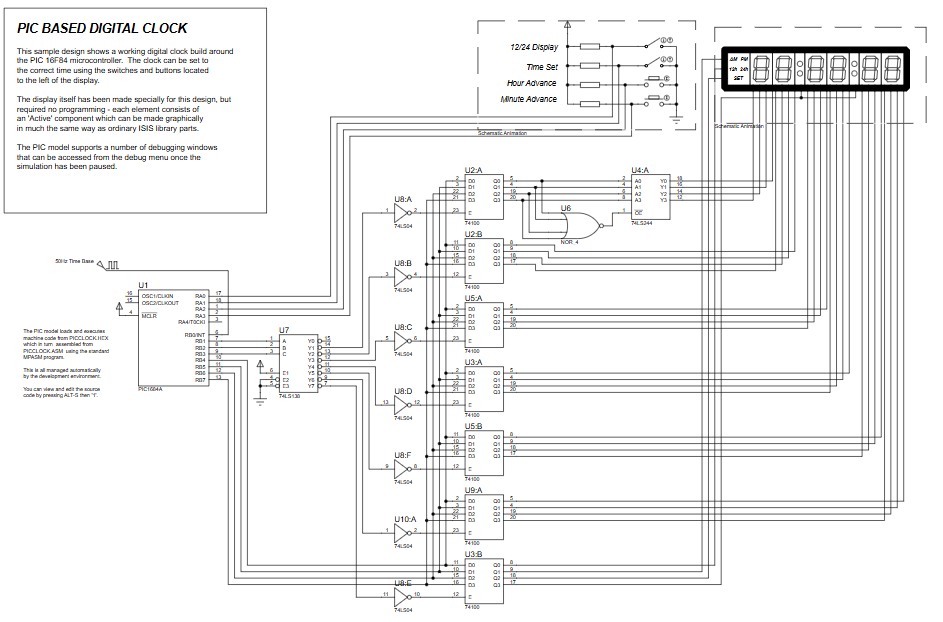
This project implements a fully simulated PIC16F84A-based digital clock in Proteus VSM, featuring interrupt-driven timekeeping, 12/24-hour modes with AM/PM, manual hour/minute adjustment via push buttons, binary-to-BCD conversion for multi-digit displays, and firmware written in MPASM. It demonstrates timing, interrupts, BCD conversion, and display interfacing useful for embedded systems learning without physical hardware.
Parts used in the PICCLOCK using PIC16F84A with Proteus Simulation:
- PIC16F84A microcontroller
- Push buttons (Time Set, Hour Set, Minute Set, Mode Select)
- Digital display interface (BCD-driven)
- External time base signal (provided in Proteus)
- Proteus VSM simulation environment
- Can this project run on real hardware?
Yes, with the same wiring and clock source used in the Proteus schematic. - Why use interrupts instead of delays?
Interrupts ensure accurate timing without blocking other operations. - Can I replace the PIC16F84A with another PIC?
Yes, but port mapping and configuration registers may need changes. - How is 12-hour mode handled?
The firmware tracks AM/PM state and adjusts hour values accordingly. - Can I add seconds setting?
Yes, by extending the time-set logic in the code. - Why is BCD used for display?
BCD simplifies driving multi-digit decimal displays. - Does this require an external RTC?
No, timing is handled entirely in firmware. - How does the firmware generate seconds and minutes?
An external time base generates periodic interrupts; firmware accumulates ticks into seconds, minutes, and hours.

