


Summary of Circuit simulator and PCB design software – EasyEDA
EasyEDA is a free, cloud-based EDA tool for schematic capture, circuit simulation, and PCB design accessible via web browsers. It supports analog, digital, and mixed-signal verification using SPICE models, offers thousands of component libraries, imports designs from Altium, Eagle, and KiCad, and provides access to open-source modules with extensive tutorials.Parts used in the EasyEDA Project:
- Schematic Capture Library
- Circuit Simulator (ngspice)
- Online PCB Design Module
- Electronic Component Libraries
- Open Source Modules
- Import Functionality for Altium Designs
- Import Functionality for Eagle Designs
- Import Functionality for KiCad Designs
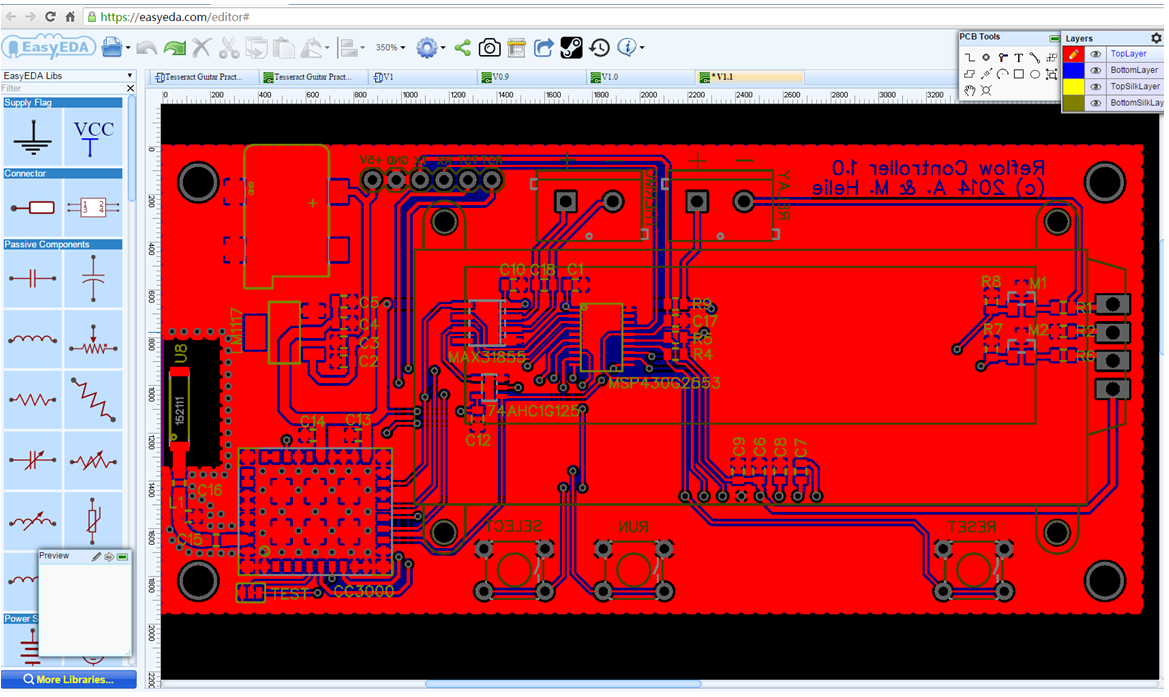
Features of EasyEDA:
Cool Schematic Capture
Draw schematics quickly using the available libraries on browser. Seamless automatic upgrades.
Circuit Simulator
Verify analog, digital and mixed signal circuits with spice subcircuits and models!
Online PCB Design
With multiple layers, thousands of pads, you could still operate quickly and layout smoothly.
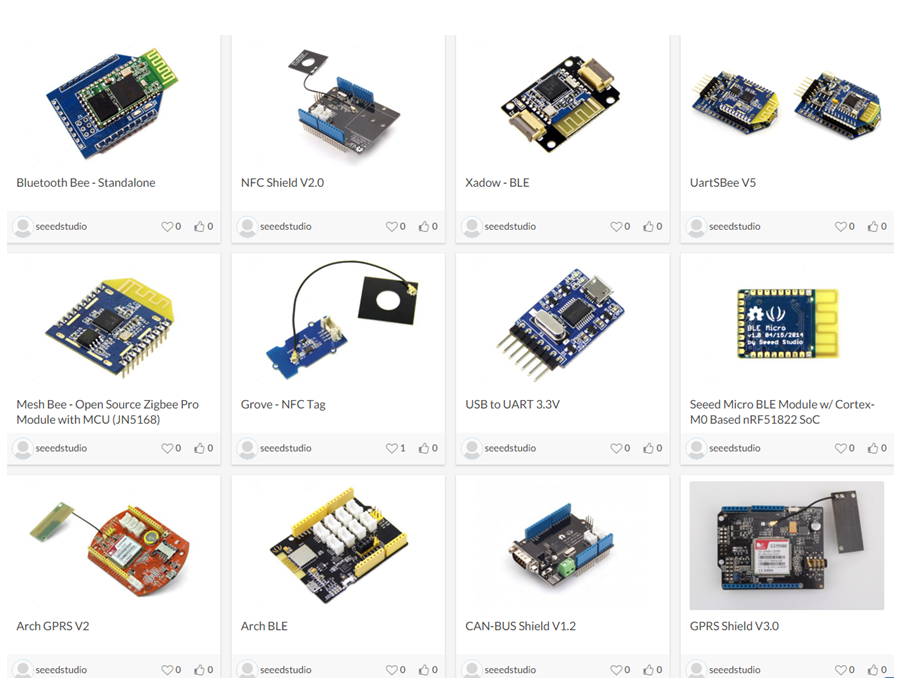
The system is very stable, reliable and easy to learn. The user interface is very pleasant and responsive operation.EasyEDA has a rich library of thousands of electronic components (for both circuits and printed circuit boards, and for modeling), and tens of thousands of examples of schematics! Anyone can use this library and expand it. It also can import existing designs done in Altium, Eagle and KiCad and then edit them in EasyEDA .
Moreover, another outstanding feature of EasyEDA is that users can access to Open Source modules developed by thousands of electronics engineers.
There is a tutorial explaining the main features of the tool and a Simulation ebook, introducing circuit simulation in EasyEDA using ngspice.
The following video briefly presents the features of EasyEDA tool.
Quick Solutions to Questions related to EasyEDA Project:
- What is EasyEDA?
It is a free, zero-install, cloud-based EDA tool for schematic capture, circuit simulation, and PCB design. - Can I simulate mixed signal circuits?
Yes, users can verify analog, digital, and mixed signal circuits with spice subcircuits and models. - Does it support importing designs from other software?
Yes, it can import existing designs done in Altium, Eagle, and KiCad for editing. - How many electronic components are available?
The tool has a rich library containing thousands of electronic components for circuits and printed circuit boards. - Is there a tutorial for learning the main features?
Yes, a tutorial explaining the main features of the tool is available. - What simulation engine does EasyEDA use?
It uses ngspice for circuit simulation as introduced in the Simulation ebook. - Can I access open source modules?
Yes, users can access Open Source modules developed by thousands of electronics engineers. - Do I need to install software to use it?
No, it is a zero-install tool that runs directly in your web browser.
Related projects
Advanced Voltage Monitoring and Protection via Microcontrollers and Proteus VSM
ABSTRACT This project designed an embedded system using a microcontroller to monitor the amplitude of the main voltage supply and disconnect it...
Proteus SimulationProteus Simulation Based Pic Projects List
Proteus ISIS is the best simulation software in the world for various designs with electronics & microcontroller. It is mainly popular because...
Proteus SimulationHow To Use Virtual Terminal in Proteus ISIS
Hello friends, first of all I wanna give a good news to all the readers that I have added a Google search...
Proteus Simulation · PIC16F84AHow to use PIC16F84A pin as input (Code+Proteus simulation)
This post provides an example code to use PIC16F84A pins as inputs. After going through this example, you will understand how to...

Ibrar Ayyub
I am an experienced technical writer holding a Master's degree in computer science from BZU Multan, Pakistan University. With a background spanning various industries, particularly in home automation and engineering, I have honed my skills in crafting clear and concise content. Proficient in leveraging infographics and diagrams, I strive to simplify complex concepts for readers. My strength lies in thorough...